
Sauce Blog
Your Next Customer Is a Bot: How to Get Your Restaurant Ordered by ChatGPT, Gemini and Claude
October 25, 2026
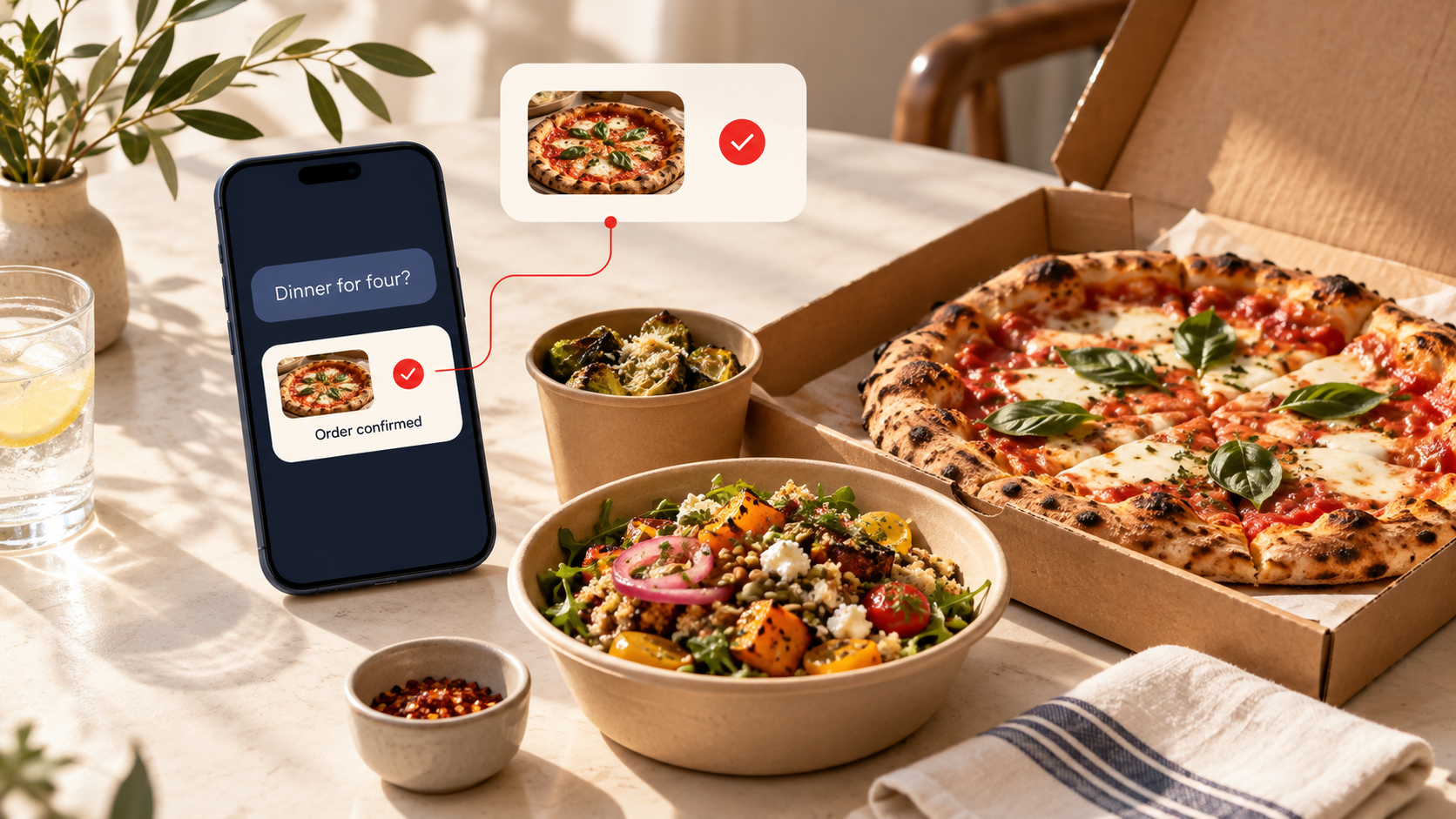
AI assistants are turning “what should we eat?” into a paid order. Here’s how to get your restaurant ready, and how to make sure those orders come to you directly.
Your next customer might never see your homepage.
They might just ask an AI assistant: “Find somewhere nearby with vegetarian options that can deliver dinner for four.”
A person still picks dinner. But software is starting to decide which restaurants make the shortlist, which menu gets opened and where the order goes.
That last part matters most. At Sauce, we’ve spent years helping restaurants take orders directly instead of handing their customers to marketplaces. AI ordering is the newest version of that same fight. When an assistant sends someone your way, the order can land on a marketplace, with their fees and their access to your customer, or it can land on your own ordering page, where the relationship is yours.
AI restaurant ordering is already here
On July 1, 2026, Square launched a ChatGPT app and a Claude plugin that let customers find participating restaurants, browse menus and order through Order by Cash App. Eligible U.S. food and beverage sellers with active Square Online Ordering profiles were enrolled automatically. No setup needed.
Orders go straight into the restaurant’s existing Square system. Square says there’s no added marketplace commission. Standard payment processing still applies. [1]
If you’re an eligible Square seller, ChatGPT ordering isn’t a future trend. It’s already a channel you have.
Google is moving the same way. Square announced an Ask Maps integration in August, and Google’s Universal Commerce Protocol supports checkout across AI Mode and Gemini for participating merchants. These are separate products with separate eligibility rules. Showing up in a Gemini answer doesn’t mean customers can check out inside Gemini. [2, 3]
The opportunity is real. What’s available to you depends on the assistant, your ordering provider, your location and what’s supported.
What is agentic commerce for restaurants?
Agentic commerce is when an AI assistant helps someone take action: find options, compare them, build an order and, where supported, pay.
For a restaurant, it looks like this:
“Find a pizza place that delivers here, has a gluten-free option and can feed six.”
To answer that, the assistant needs your location, menu, prices, modifiers, availability and ordering options.
You’re preparing for two jobs:
Discovery. The assistant understands when you’re a good fit for the request.
Ordering. The customer, or a supported assistant, has a working path to buy.
You can win one and lose the other. A perfect recommendation doesn’t help much if it leads to a broken order link.
Is your restaurant bot-ready? The checklist
☐ 1. Your menu exists as text, not just a photo
A menu photo looks great on Instagram. Your website still needs the menu as text.
Use clear item names, real descriptions, current prices and modifiers. Say what comes with the meal and what costs extra.
“Family dinner” leaves people guessing. “Two large pizzas, a large salad and six garlic knots, serves four to six” gives customers, and the tools helping them, something to work with.
Keep dietary info accurate. An ingredient list is not an allergy-safety promise.
☐ 2. Your details match everywhere
Check your website, Google Business Profile, ordering platform and location pages.
Same address, phone and hours? Holiday closures updated? Is it obvious which location serves which neighborhood?
If you run multiple locations, give each one its own page and its own ordering link. Someone asking for dinner nearby needs the right kitchen, not your brand homepage.
Google’s guidance for AI search visibility includes keeping your Business Profile current and putting important website content in text. [4]
☐ 3. Your “Order Online” button goes to the right place
Open your website on your phone and tap the order link.
Does it land on your current ordering page? Is the right location selected? Is it obvious how to choose pickup or delivery?
Check your social profiles and listings too. Look for expired promos, old providers and extra redirects.
If a platform lets you pick your preferred ordering link, make it your direct channel.
☐ 4. Your ordering menu matches what the kitchen can make
What helps you get found and what customers can actually order are two different things. Both need attention.
Check prices, sold-out items, required modifiers and pickup or delivery availability in your ordering system. If your provider sends menu data to an AI integration, ask which menu it uses and how updates get there.
When the kitchen stops making the seasonal special, it should stop being orderable.
☐ 5. You know which AI channels your provider supports
Ask your ordering provider directly:
- Which assistant integrations are live for my restaurant?
- Am I enrolled, and where do I manage that?
- Which menu and hours feed those experiences?
- Where does checkout happen?
- What are the fees, and how do these orders show up in reporting?
Square sellers can find AI assistant settings under Online Channels in Square Dashboard, and Square explains how to preview the ordering experience. [5]
On another provider? Confirm what they actually support. A working website doesn’t automatically make you orderable inside an assistant.
☐ 6. Your website answers real dinner questions
Think about what guests ask before they order:
“Can I feed a family of five?”
“What vegetarian options do you have?”
“Do you deliver to my building?”
Answer those clearly on the right pages. Cover delivery areas, pickup instructions, group meals and dietary options, and only post what your team can keep up to date.
AI search optimization for restaurants starts with useful content people (and bots) can read. Google says regular SEO best practices still apply to its AI search features, and no special AI markup is needed. Nothing guarantees visibility. [4]
☐ 7. You’ve tested it yourself
Try a few real requests in ChatGPT, Gemini and Claude:
“Find lunch near [neighborhood] with vegetarian options.”
“Where can I order dinner for six near [address]?”
Then look closely. Do you show up? Are your hours and menu right? Where do the links go?
If you’re on a supported integration, test the whole flow, including a real order if you can. Note the assistant, date, location and result so you can tell a real problem from a one-off answer.
☐ 8. You can measure what happens next
Track completed orders, order value, fees and repeat orders wherever your systems allow.
Use channel reporting when you have it. If attribution has gaps, say so.
A recommendation is nice. A profitable order from a customer who comes back is the actual result.
Send AI orders straight to your restaurant
An assistant might make the introduction. Where the order lands decides what you get out of it.
If it ends on a marketplace, you’re on their fees, their rules and their access to your customer’s data. If it ends on your own ordering channel, the customer relationship is yours to build.
That’s where Sauce comes in.
Sauce gives restaurants branded online ordering, delivery management, customer data tools and retention marketing to grow their direct channel. That covers everything after discovery: taking the order, getting it out the door and bringing the customer back. [6]
Keep your menu accurate. Make sure your order links work. Know what your provider supports. Then give every new customer an easy way to order direct, and a reason to come back.