


Setting up a Cyber Monday ordering booth in your restaurant is a unique way to take advantage of the holiday shopping frenzy, expand your customer base, and showcase your offerings.
Here’s how to set up and optimize this experience:
Step 1: Define the Purpose of the Cyber Monday Ordering Booth
-
Encourage Online Ordering: Show customers how easy it is to place orders online directly through your website.
-
Promote Special Cyber Monday Deals: Highlight exclusive discounts, gift card promotions, or limited-time items available only for online orders.
-
Grow Digital Engagement: Encourage customers to sign up for email newsletters, loyalty programs, or follow you on social media.

Step 2: Choose the Right Location in Your Restaurant
-
Place the booth in a visible but non-intrusive spot, like near the entrance or waiting area.
-
Ensure the area is easily accessible but doesn’t disrupt regular dining operations.
Step 3: Set Up the Ordering Booth
Essential Equipment:
-
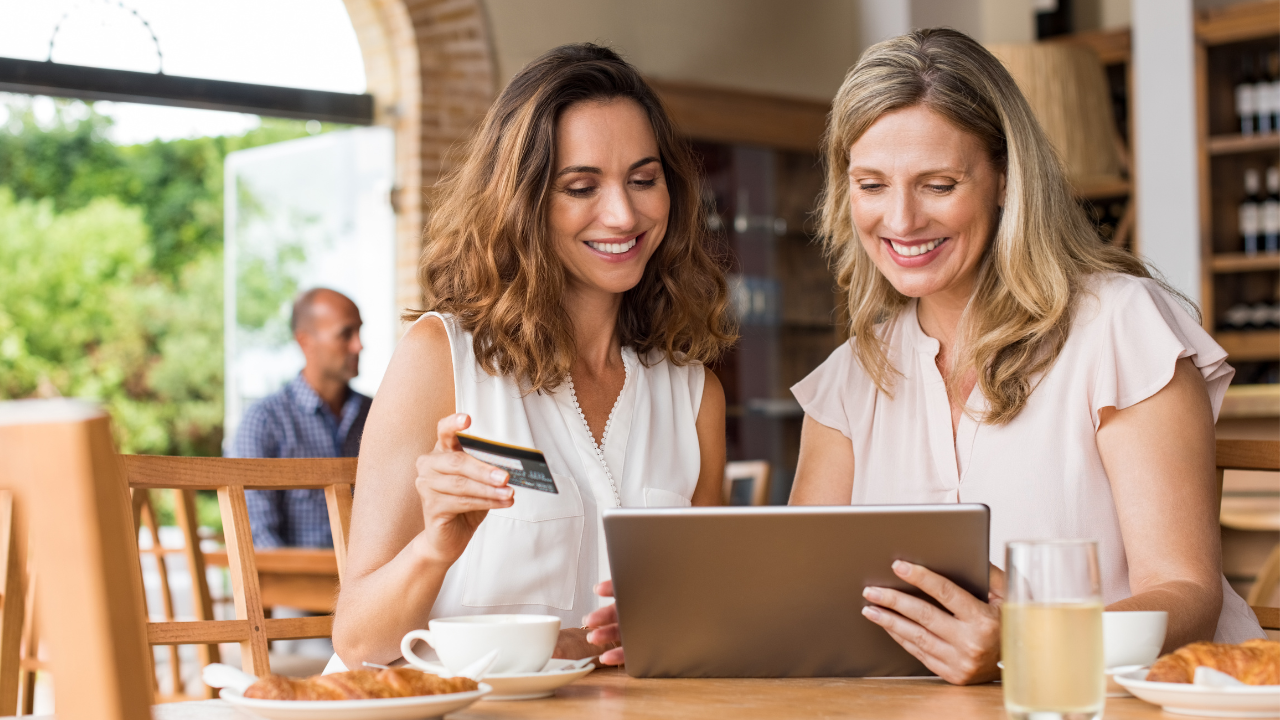
Tablet or Laptop: Allow customers to browse your menu, place online orders, or purchase gift cards.
-
Stable Internet Connection: Ensure fast and seamless ordering.
-
Charging Stations: Make sure the area is accessible to plenty of charging stations or outlets.
-
Printer (Optional): For printing order confirmations or receipts if needed.
Signage:
-
Use clear, attention-grabbing signs with messages like:
-
“Order Online & Save 20% Today!”
-
“Buy a Gift Card & Get Bonus Rewards!”
Decor:
-
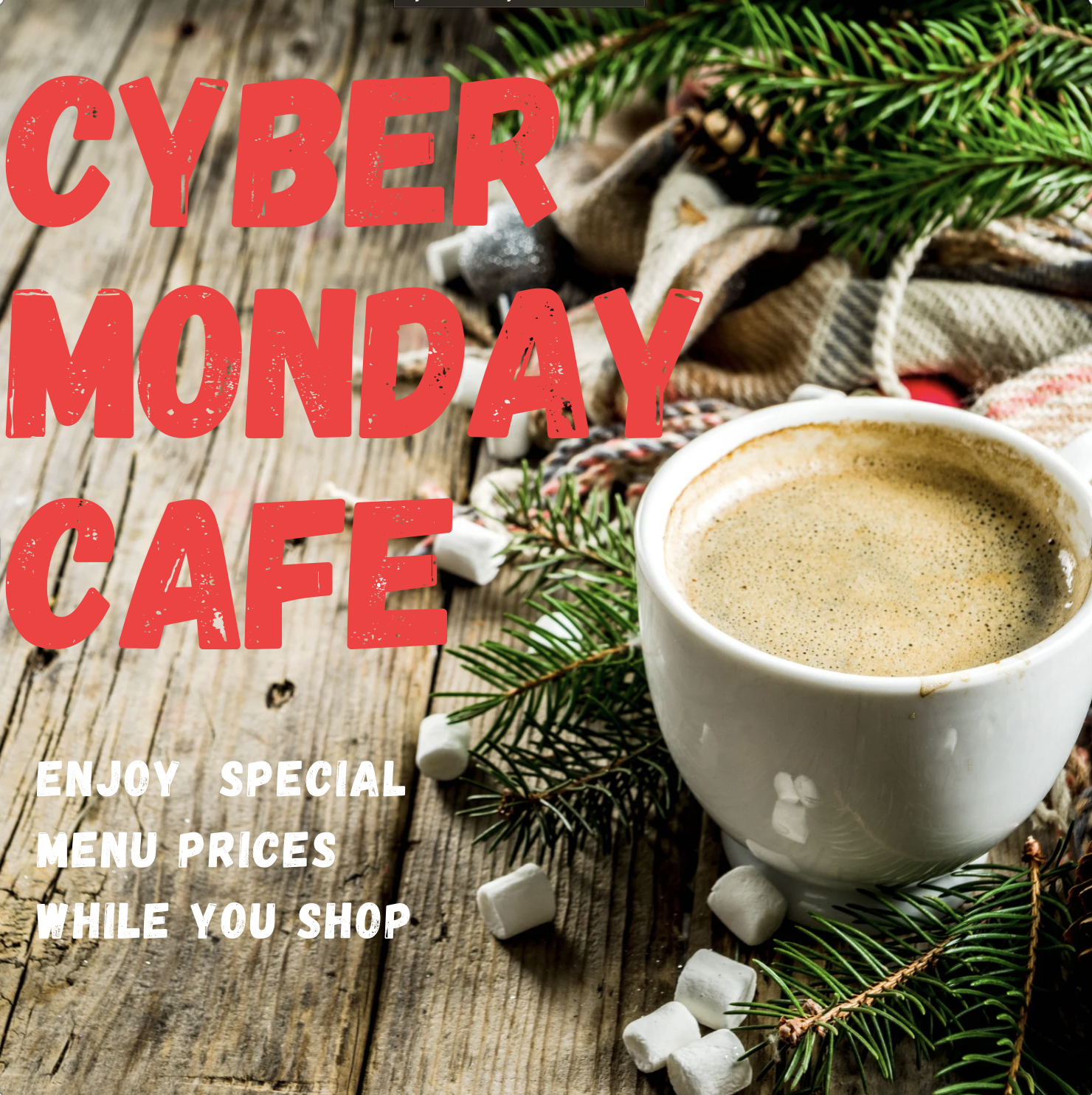
Incorporate holiday-themed decorations (Cyber Monday branding or seasonal accents) to make the booth inviting.
Menu Display:
-
Use digital screens or printed menus to showcase Cyber Monday specials, discounts, and popular dishes.

Step 4: Engage Customers
Staff the Booth:
-
Assign a tech-savvy team member to assist customers with navigating the system, answering questions, and explaining deals.
Demonstrations:
-
Offer live demonstrations of placing an online order or buying a gift card.
Incentives for Booth Users:
-
Provide a small incentive for using the booth, such as a free appetizer coupon or a discount on their next order.
Step 5: Promote the Ordering Booth
Social Media:
-
Post teasers about the booth ahead of time and share live updates or customer interactions throughout Cyber Weekend (beginning the day before Thanksgiving when shoppers are devising their gameplan).
Email Campaigns:
-
Announce the booth and highlight its perks in your Cyber Monday promotional emails.
In-Restaurant Promotion:
-
Train staff to inform diners about the booth and encourage them to check it out.

Step 6: Follow Up Post-Cyber Monday
Customer Feedback:
-
Ask customers about their experience at the booth. This feedback can help refine the idea for future events.
Data Collection:
-
Use the booth to collect customer contact information for future promotions.
Promote Future Online Orders:
-
Send thank-you emails to everyone who participated with a special offer for their next online delivery order.
Read more: Restaurant Strategies for a Profitable Black Friday, Small-Business Saturday, and Cyber Monday.

Take Away
With Thanksgiving just three days away, Cyber Monday presents an opportunity for restaurants as consumers devise their shopping gameplan.
Setting up a Cyber Monday Booth in your restaurant is a unique way to boost sales, attract new customers, and set your restaurant up for a profitable holiday season.

By Eileen Strauss
