Sauce recently announced its integration with Apple Business Connect, connecting Apple Maps discovery directly to first-party ordering for restaurant partners.
As Apple Maps becomes an increasingly influential discovery platform, many operators are asking what Apple Business Connect is, how it works, and why it matters operationally.
This guide explains the platform, outlines its core features, and breaks down why managing your Apple Maps presence is now a critical part of restaurant visibility and revenue strategy.
What Is Apple Business Connect?
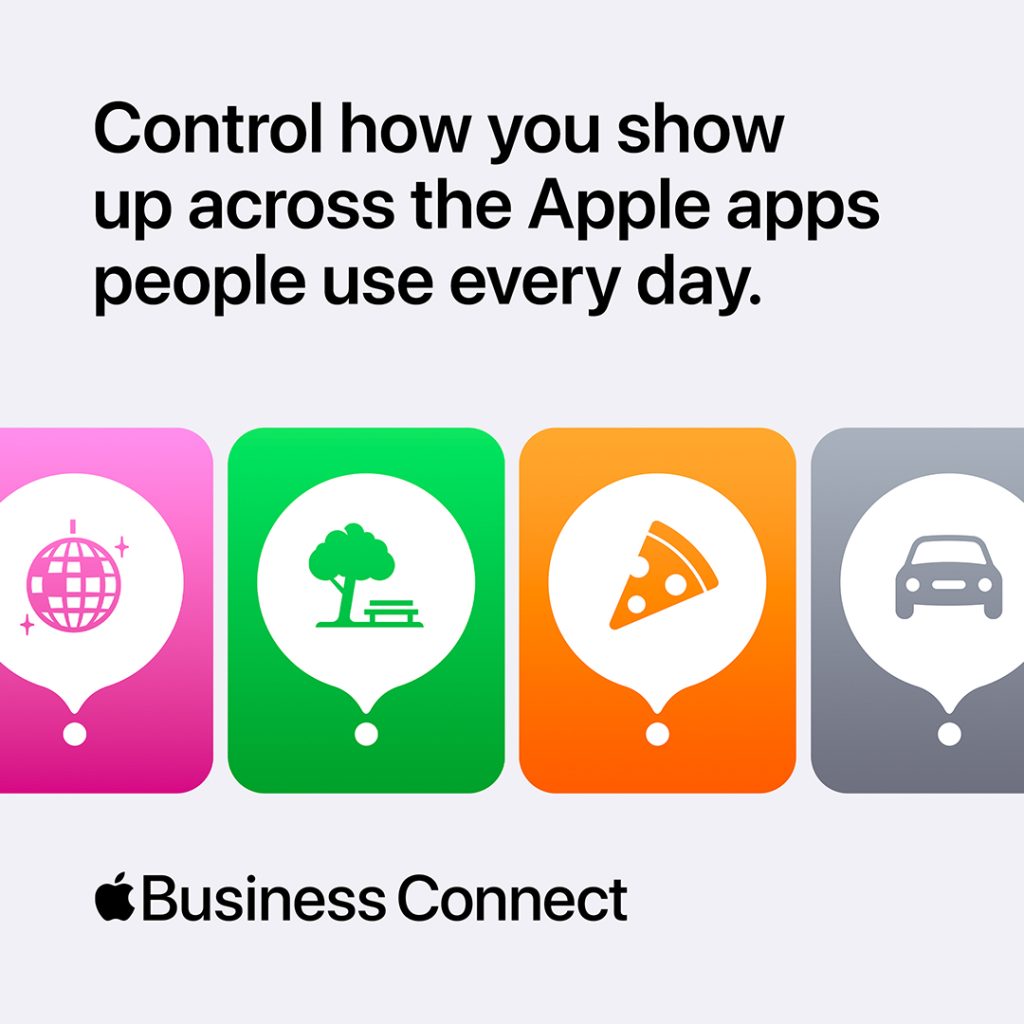
Apple Business Connect is Apple’s free platform that allows businesses to claim and manage their presence on Apple Maps and control how their brand appears across Apple services.
For restaurants, that means you can:
- Manage your name, address, phone number, and hours
- Add logos, cover images, and interior photos
- Publish limited-time updates or seasonal changes
- Enable actions like ordering, booking, or viewing menus
- Review engagement insights tied to your listing
Apple Business Connect serves as the central management platform for how Apple displays your restaurant’s information. If your hours, photos, or menu links are outdated, that is what customers see.

Why Apple Business Connect Matters in 2026
Apple Maps continues to gain traction globally, particularly in mobile and in-car navigation. For many users, it is not an alternative platform. It is the default.
When someone asks Siri for nearby restaurants, searches for your brand name, or taps directions from their iPhone, your Apple place card becomes your storefront.
That same listing also surfaces through Apple CarPlay, meaning your restaurant may appear while a customer is actively driving and deciding where to stop.
A complete and accurate listing influences:
- Whether customers trust your business
- Whether they tap to call or order
- Whether they choose your restaurant over a competitor
In competitive local markets, small friction points translate directly into lost revenue.
Core Apple Business Connect Features for Restaurants
1. Place Cards and Essential Business Information
Your place card includes:
- Business name and address
- Phone number
- Operating hours
- Holiday or special hours
- Business categories and attributes
If your restaurant offers takeout, delivery, outdoor seating, or reservations, your listing should clearly reflect that.
Seasonal hour changes, weather-related closures, and special events should be updated immediately. Inconsistent information erodes trust quickly.

2. Visual Identity and Brand Consistency
Photos influence decisions.
Restaurants can upload:
- A recognizable logo
- A cover image representing the dining experience
- Additional images of the interior, exterior, and menu highlights
Images should be high resolution and authentic. Customers want to see the real experience, not promotional overlays.
3. Customer Actions That Reduce Friction
Apple place cards can include direct actions depending on the setup.
Restaurants may enable:
- Online ordering
- Menu viewing
- Reservation links
- Directions
Reducing the number of taps between discovery and action increases the likelihood of conversion. If a customer is ready to order, the path should be seamless.
4. Insights and Engagement Signals
Apple Business Connect provides visibility into how users interact with your listing.
Restaurants can review:
- Place card views
- Direction taps
- Calls
- Action engagement
For multi-location operators, this data becomes even more useful when compared across regions. Patterns can reveal which locations need optimization or updated information.

Apple Business Connect in Practice
Restaurants increasingly rely on digital discovery. Customers search, compare, and decide quickly.
If your Apple Maps listing:
- Shows outdated hours
- Lacks photos
- Does not clearly offer ordering options
You risk losing the customer before they ever visit your website.
For operators investing in direct online ordering and stronger first-party customer relationships, Apple visibility is part of a broader operational strategy.
Managing Apple Business Connect ensures your restaurant appears accurate, professional, and ready for action across Apple’s ecosystem.
Managing Apple Business Connect Across Multiple Locations
For single-location restaurants, management is relatively straightforward.
For regional or national brands, maintaining consistency across dozens or hundreds of listings becomes more complex.
Multi-location operators should prioritize:
- Standardized branding
- Centralized control over hours and updates
- Ongoing data monitoring
Consistency builds trust. Inconsistent data creates confusion.
Best Practices for 2026
To get the most out of Apple Business Connect, restaurants should:
- Audit listings quarterly
- Update hours immediately for holidays and special events
- Refresh photos seasonally
- Confirm ordering and menu links function properly
- Review engagement data alongside other local marketing metrics
Apple’s ecosystem continues to expand. Restaurants that treat their place card as a living operational asset will see stronger results.
Takeaway
Apple Business Connect gives restaurants direct control over how they appear across Apple Maps and related services. In 2026, that visibility influences discovery, credibility, and revenue.
Accurate information, high-quality visuals, seamless actions, and consistent management are no longer optional. They are part of modern restaurant operations.
For more on the Sauce–Apple integration announcement, visit:
https://getsauce.com/apple
Frequently Asked Questions
What is Apple Business Connect used for?
Apple Business Connect allows businesses to manage how their locations appear on Apple Maps and across Apple services, including business information, images, and customer actions.
Is Apple Business Connect free?
Yes. It is a free platform provided by Apple.
How do restaurants connect Apple Business Connect with Sauce?
Restaurants can register for Apple Business Connect for free here and link their account through Sauce to manage their presence across Apple Maps, Siri, and CarPlay. Operators may also work with their Sauce Restaurant Success Managers to streamline registration and ongoing management.
How often should restaurants update their listing?
Listings should be updated whenever hours, services, or ordering options change. Holiday and seasonal updates are especially important.
Do multi-location restaurant brands need Apple Business Connect?
Yes. It helps ensure each location appears accurately and consistently, supporting local visibility and customer trust.
What is Apple CarPlay?
Apple CarPlay is Apple’s in-car system that connects a driver’s iPhone to their vehicle’s dashboard screen. It allows users to access Apple Maps, make calls, send messages, and use voice commands through Siri while driving.
When someone asks Siri to find nearby restaurants through CarPlay, the results come directly from Apple Maps. That means your Apple Business Connect listing influences how your restaurant appears while customers are actively deciding where to stop.
by Eileen Strauss